


Direct-to-fabric polyester buying guide
Polyester Fabric for Direct Dye Sublimation Printing
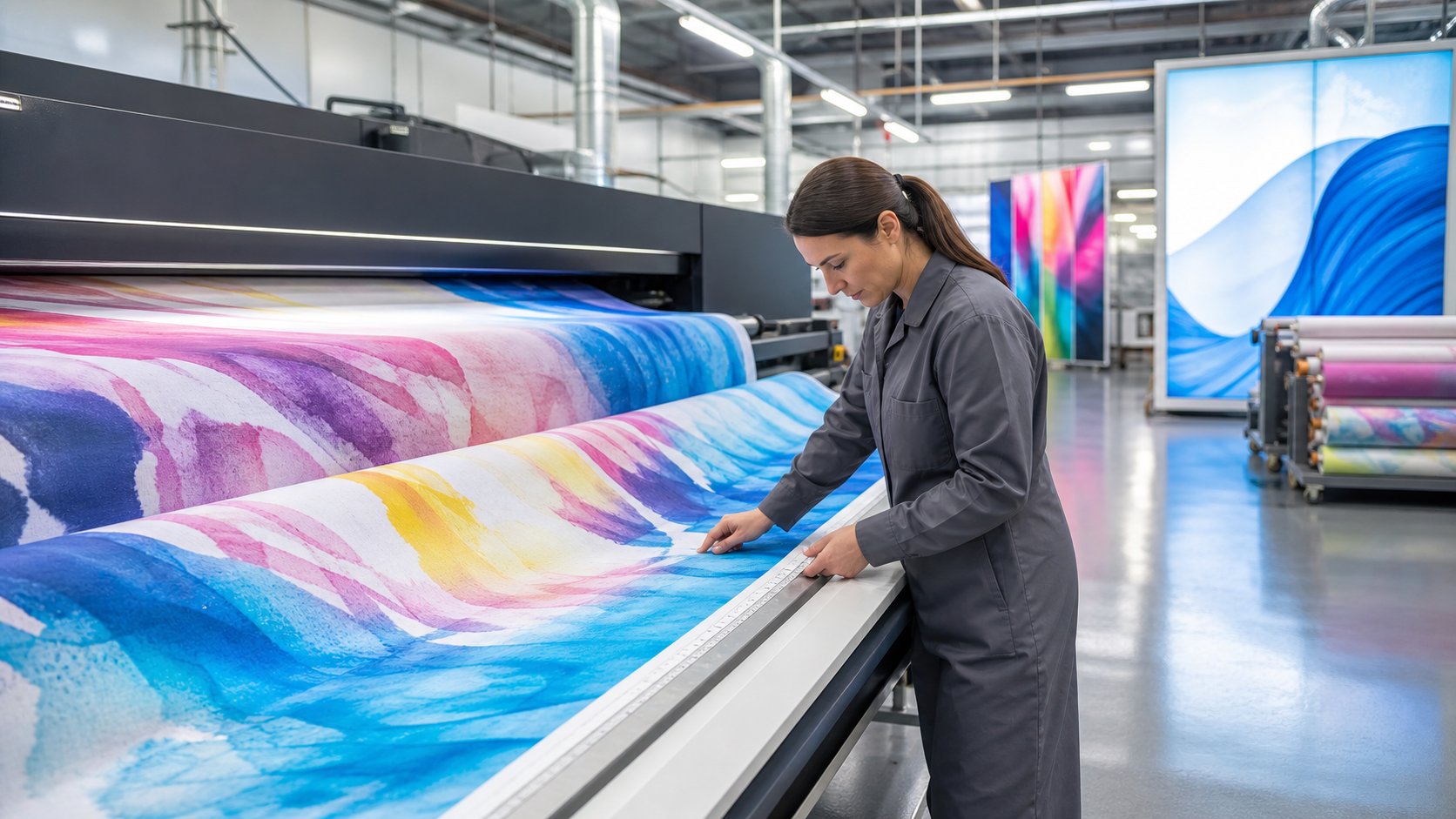
Direct dye sublimation fabric is polyester media made for disperse ink to be printed straight onto the textile. It removes the transfer-paper print step, but the ink still needs controlled heat fixation.
This page is only about direct printing on fabric rolls. Use it to compare coating, ink penetration, heat setting, shrinkage, color and applications.
Quick Answer: What Should a Buyer Confirm?
Choose a fabric that the supplier lists for direct dye sublimation. Then confirm these 8 items:
- Exact printer and disperse ink
- Factory treatment or coating
- Fabric feed and edge quality
- Ink load and strike-through
- Heat-fix temperature, time and tension
- Shrinkage in both directions
- Color target and application test
- Roll width, length, FR need and quantity
UNISIGN Direct Dye Sublimation Fabric Options
Yes, a product list belongs on this page. A buyer needs to match the textile to the finished job. Images also help confirm the fabric family before a sample request. These six current UNISIGN model pages list direct and paper-transfer dye sublimation.
Woven and knitted rolls can react differently under web tension and heat. Compare both in the woven vs knitted sublimation fabric guide.

SDB180 Light Box Fabric
- 180gsm woven polyester
- Direct or transfer sublimation
- Maximum width: 3.2m / 126 in
- SEG lightboxes and frame systems

DSP09 Display Fabric
- 230gsm warp-knit fabric
- Direct or transfer sublimation
- Maximum width: 3.2m / 126 in
- Displays, pop-ups and backdrops

DSP08-T Display Fabric
- 250gsm power-stretch fabric
- Two-direction stretch
- Maximum width: 3.2m / 126 in
- Shaped and tension displays
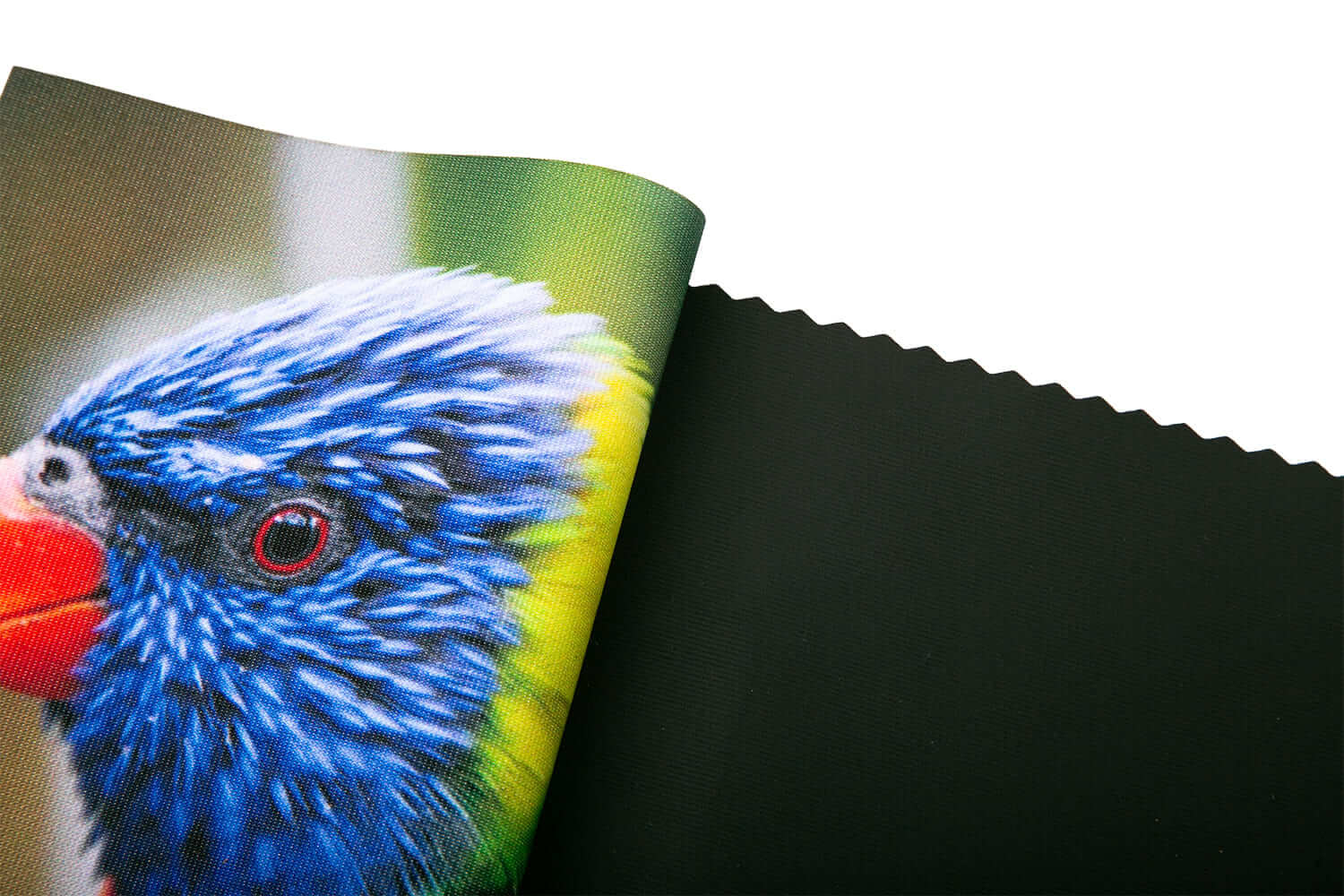
DSP-BLK-01 / Nox
- 260gsm warp-knit fabric
- Direct or transfer sublimation
- Maximum width: 5.0m / 197 in
- Backdrops, frames and exhibitions

DSP02 Flag Fabric
- 110gsm warp-knit polyester
- Direct or transfer sublimation
- Maximum width: 3.2m / 126 in
- Controlled ink penetration for flags

DSP04 Mesh Flag Fabric
- 120gsm warp-knit mesh
- Direct or transfer sublimation
- Maximum width: 3.2m / 126 in
- Open structure for windy sites
| Application | Suggested Model | Published GSM | Maximum Width | Main Approval Test |
|---|---|---|---|---|
| Backlit SEG lightbox | SDB180 | 180gsm | 3.2m / 126 in | Light diffusion, black density and yellowing |
| SEG, pop-up or backdrop | DSP09 | 230gsm | 3.2m / 126 in | Color, stretch, shrinkage and frame fit |
| Shaped tension display | DSP08-T | 250gsm | 3.2m / 126 in | Stretch recovery and image distortion |
| Opaque wall or backdrop | DSP-BLK-01 | 260gsm | 5.0m / 197 in | Opacity, face color and backing protection |
| Standard printed flag | DSP02 | 110gsm | 3.2m / 126 in | Reverse-side show-through and edge strength |
| Flag for a windy site | DSP04 | 120gsm | 3.2m / 126 in | Airflow, tear resistance and print-through |
Current product pages list published shrinkage of no more than 2% for these selected models. Ask for the latest TDS, available widths and a labeled sample before ordering.
Does Direct Sublimation Fabric Need Pretreatment or Coating?
Usually, yes. Polyester for direct printing normally needs a factory treatment or ink-receptive finish that controls the liquid ink before heat fixation. Plain polyester can allow dots to spread, wick or pass through too quickly.
| Check | Direct-Print Fabric | Risk If Not Controlled |
|---|---|---|
| Surface treatment | Made to hold disperse ink drops before heat | Bleeding and weak small text |
| Ink absorption | Balanced for the planned ink load | Puddling, mottling or slow drying |
| Strike-through | Matched to the application | Dirty platen or weak reverse image |
| Edges | Clean slit or sealed edges | Fraying and print-head strikes |
| Heat response | Tested with fixation settings | Shrinkage, yellowing or loss of shape |
Ink Penetration and Reverse-Side Show-Through
More penetration is not always better. The correct result depends on the final display.
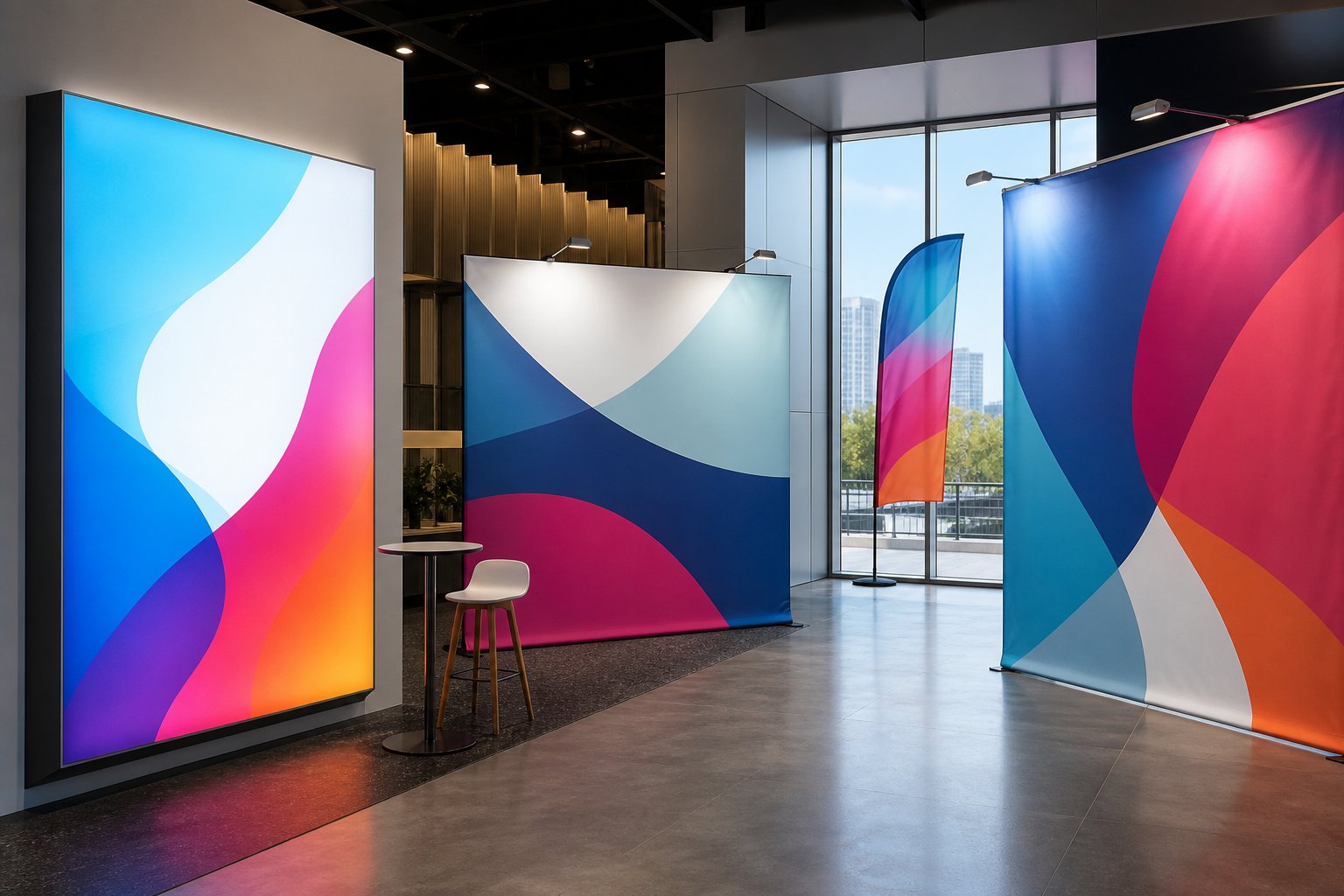
Choose the target
- Flag: controlled strike-through helps the reverse side show the image.
- Backlit: even ink and light diffusion matter more than simple show-through.
- SEG display: sharp front color and stable fit are key.
- Blockout: protect the dark backing and test opacity after heat.
| What to Print | What to Inspect | Simple Record |
|---|---|---|
| 100% color blocks | Front density and reverse show-through | Photos from both sides under fixed light |
| Deep black | Pooling, bleeding and dry time | Ink limit and pass mode |
| Small text and lines | Dot spread and edge sharpness | Smallest clean size |
| Neutral grey ramp | Color balance before and after heat | Profile, heat and measured values |
Heat Setting Is Still Required
Direct printing removes transfer paper from the image-print step. It does not remove heat fixation. Heat moves the disperse dye into the polyester.
- ConditionIdentify the roll and record room conditions.
- Direct printUse the approved profile, ink limit and feed settings.
- Dry or gelKeep wet ink controlled before fixation.
- Heat fixUse the approved inline unit, oven or calender route.
- Cool and inspectMeasure color, width, length and finish.
There is no single safe temperature and dwell time for every fabric and ink. Use the current ink and media data, then record temperature, time, speed, tension and any protection paper.
| Heat Variable | What to Record | Possible Failure |
|---|---|---|
| Temperature | Set point and measured working value | Low color, color shift, yellowing or damage |
| Dwell time / speed | Time in heat zone or line speed | Incomplete fixation or excess heat |
| Tension | Printer, take-up and heat-unit tension | Width loss, bowing or distortion |
| Protection | Clean paper or belt condition | Ink marks on the back or equipment |
How Should Shrinkage Be Checked?
Selected UNISIGN product pages publish shrinkage of ≤2%. That is a starting specification, not a prediction for every production line. Test both the machine direction and cross direction.
Width after heat = starting width × (1 − measured cross-direction shrinkage)
Example: 3,200mm × (1 − 0.02) = 3,136mm after heat, before cutting or sewing.
- Mark a measured square on the unprinted fabric.
- Print it with the planned ink load.
- Heat-fix it with production settings.
- Cool it without pulling.
- Measure width and length again.
- Finish and install one full-size test graphic.
Color Performance: Test the Whole System
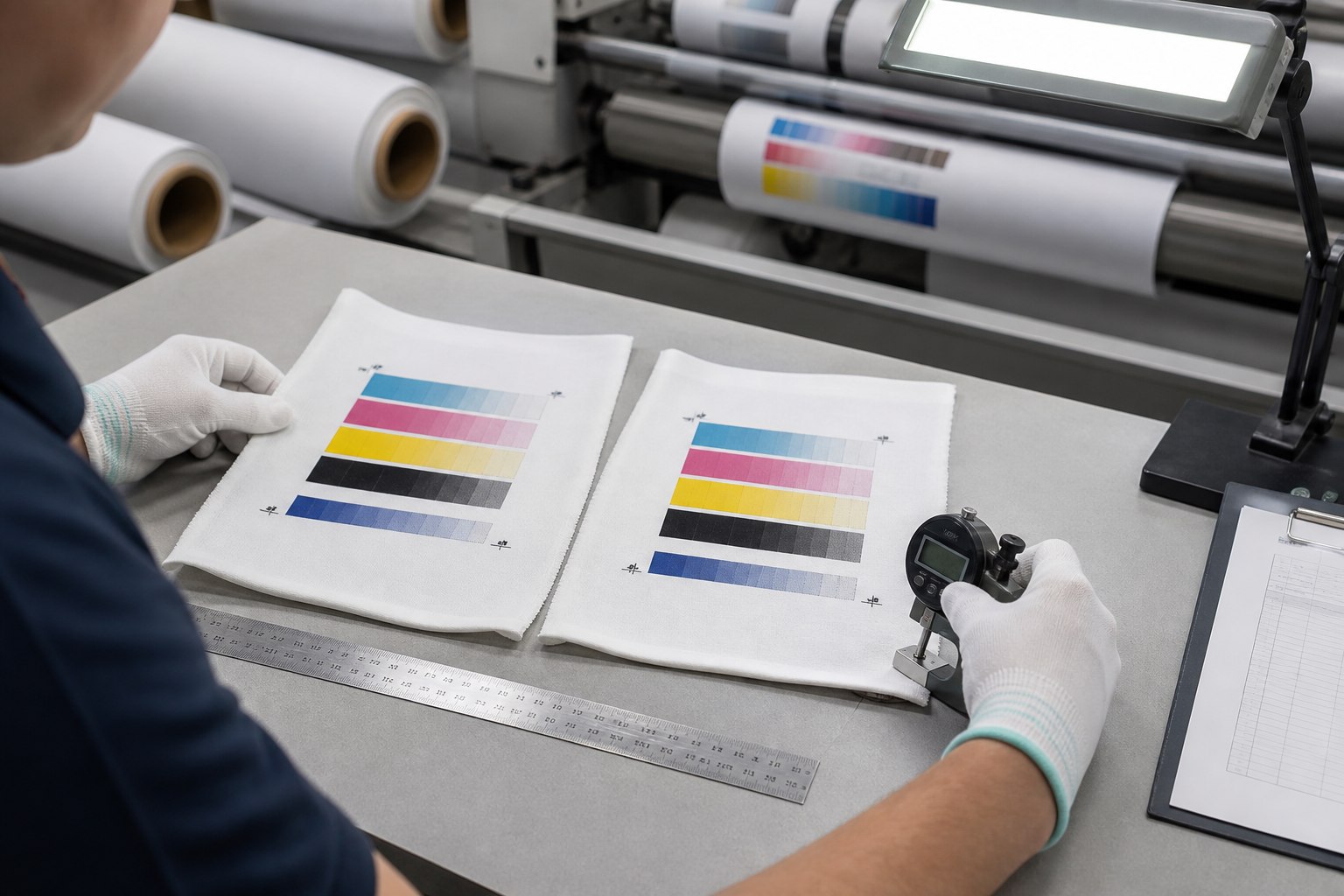
A bright white fabric can help color, but the final result also depends on treatment, ink, profile, heat, fabric construction and viewing light.
- CMYK blocks
- Deep black
- Grey ramp
- Skin tones
- Small text
Heat
- Record temperature
- Record dwell or speed
- Check yellowing
- Check gas marks
- Check color shift
Approve
- Measure target colors
- View front and reverse
- Use real lighting
- Test rubbing or washing if needed
- Save the profile and lot
Direct Dye Sublimation vs Transfer Sublimation
| Question | Direct Dye Sublimation | Paper-Transfer Sublimation |
|---|---|---|
| Ink is first printed on | The fabric | Transfer paper |
| Transfer paper | No image transfer sheet; protection paper may still be used | Required for the printed image |
| Fabric | Must be suitable for direct printing | Must be suitable for heat transfer |
| Heat | Required to fix the ink | Required to move ink from paper to fabric |
| Common strength | Good penetration and fewer paper-handling steps | Very sharp detail and controlled image edges |
| Common risk | Bleed, strike-through and fabric feeding | Paper cost, alignment and paper/fabric movement |
| Good starting use | Flags, banners and approved soft-signage fabrics | Fine-detail displays and flexible production across approved fabrics |
Neither method is always better. Direct printing is useful when penetration and a paper-free image step matter. Transfer can be better when very fine detail and edge control matter. Test the real image and finishing route.
Still choosing the print route? Use our direct vs transfer dye sublimation comparison to check equipment, fabric approval and the final display.
What Printer Type Is Recommended?
Use a roll-to-roll textile printer designed or approved for direct printing on polyester with compatible disperse ink. A paper-only dye-sublimation printer may not transport loose fabric safely.
Printer checks
- Direct-to-textile support
- Fabric feed, belt or platen design
- Edge control and head clearance
- Take-up and tension control
- Ink set and RIP profile
- Maximum media width and roll weight
Heat-line checks
- Inline fixation, oven or calender
- Working width
- Temperature control
- Speed or dwell control
- Fabric tension
- Clean protection system
A 7-Step Direct Print Fabric Approval Test
- Define the job: flag, lightbox, SEG, stretch display or blockout backdrop.
- Choose 2–3 models: compare construction, weight and width.
- Confirm treatment: ask whether direct-print treatment is included.
- Print a test chart: include solids, black, grey, gradients, text and the real artwork.
- Heat-fix: record temperature, time or speed, tension and protection.
- Measure: color, penetration, shrinkage, defects and finished size.
- Install and approve: test the final flag, lightbox, frame or backdrop before bulk production.
Useful UNISIGN Textile Guides
- Browse all dye sublimation textiles
- Choose printable textile media by application
- Check 3.2m wide fabric and printer width
- Browse flag fabric
- Browse light box fabric
- Compare dye sublimation blockout fabric
Process references: Mutoh direct/transfer dye-sublimation ink guidance · Roland DG dye-sublimation guide.
Frequently Asked Questions
What is direct dye sublimation fabric?
It is polyester textile made for compatible disperse ink to be printed directly onto the fabric, followed by controlled heat fixation.
Does direct dye sublimation need transfer paper?
No transfer sheet is used for the printed image. Clean protection paper may still be used in some heat-fix systems to protect equipment and the fabric.
Does direct-print polyester need a coating?
Direct-print polyester normally uses a factory treatment or ink-receptive finish. Confirm that it is included for the exact model. Do not treat plain polyester as direct-print ready without testing.
Does direct dye sublimation still need heat?
Yes. The printed disperse ink must be fixed into the polyester with an approved inline heater, oven or calender process.
Which fabric is best for direct printing?
Choose by the job. Start with SDB180 for backlit, DSP09 for SEG and displays, DSP08-T for shaped tension displays, DSP-BLK-01 for blockout, DSP02 for standard flags and DSP04 for flags in windy sites.
How much should the fabric shrink?
The selected current UNISIGN pages publish shrinkage of no more than 2%. Measure both directions with your printer, ink, heat and tension settings before setting a finished size.
Can a transfer-sublimation printer print directly on fabric?
Not always. The printer must safely feed textile media and the ink, profile, take-up and heat system must support the direct workflow. Check the exact printer manual.
What should I send for a quote and sample?
Send the application, printer model, ink, direct-print process, roll width, target GSM, quantity, FR standard, destination and the tests you need.
Request Direct Dye Sublimation Fabric Samples
Tell us your printer, ink, application, width, quantity and destination. We can suggest a short list for testing.
- Compare 2–3 application-matched models
- Ask for the latest TDS and available FR document
- Approve color, penetration, heat response and shrinkage
- Keep the tested model and settings with the order record
Product information checked against the linked UNISIGN model pages on 12 September 2026. Ask for the current TDS and a labeled production sample for the exact roll.
Get Direct Print Fabric Options
Tell us your printer, ink and application.