


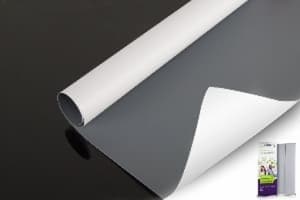
Backed mesh rolls · 4 UNISIGN model paths
PVC Mesh Banner With Removable Liner for Wide-Format Printing
Mesh banner with liner is open PVC-coated polyester mesh supplied with a temporary backing. The liner catches ink that passes through the holes and can help the roll feed and stay supported on the printer.
Print the approved side, allow the ink to dry or cure, then remove the liner before finishing and installation. Choose by printer setup, mesh count, listed GSM, roll width and the exact liner data on the current TDS.

Does My Printer Need Mesh Banner With a Liner?
Choose a lined roll when the printer is not approved for open mesh, when ink can pass onto the platen or belt, or when the roll needs a continuous back surface for feed or vacuum support.
| Printer condition | Starting choice | What to verify |
|---|---|---|
| No mesh kit or ink collector | Mesh with liner | Overspray protection, liner heat limit and media tracking |
| Vacuum or belt needs a closed back | Mesh with liner | Flatness, suction, edge lift and take-up |
| Printer has an approved mesh/collector setup | Linerless may be possible | Machine manual, ink capture, feed, head clearance and cleaning |
| Latex or another heat-cure route | Use only an approved lined construction | Preset, curing temperature, shrinkage, liner release and blocking |
| Exact setup is unknown | Start with a labelled lined sample | Run a short print before buying production rolls |
What the Removable Liner Does
1. Catches ink
Open holes let ink pass through. The liner helps keep ink away from the printer bed or transport surface.
2. Supports feeding
A continuous back surface can improve vacuum hold-down, tracking and handling on printers that need it.
3. Peels away
The liner is a printing aid. Remove it after the approved drying or curing step and before final finishing or installation.
Separate Mesh Weight, Liner Weight and Combined Weight
These three figures are not interchangeable. The current UNISIGN public product pages show one GSM value but do not clearly split the mesh-only weight, liner weight and combined weight. The table below keeps the evidence gap visible.
Compare liner and roll cost with the PVC banner roll price guide. Keep mesh-only, liner and combined GSM on separate quotation lines.
| Model | Website-listed weight | Mesh after liner removal | Liner GSM | Combined GSM for loading/freight |
|---|---|---|---|---|
| M1212NP | 360 GSM (10.5 oz), scope not separated | Not published separately | Not published | Confirm on current TDS/quote |
| M99P | 340 GSM (10 oz), scope not separated | Not published separately | Not published | Confirm on current TDS/quote |
| M1812P | 340 GSM (10 oz), scope not separated | Not published separately | Not published | Confirm on current TDS/quote |
| M189P | 340 GSM (10 oz), scope not separated | Not published separately | Not published | Confirm on current TDS/quote |
Compare 4 UNISIGN Backed Mesh Roll Options
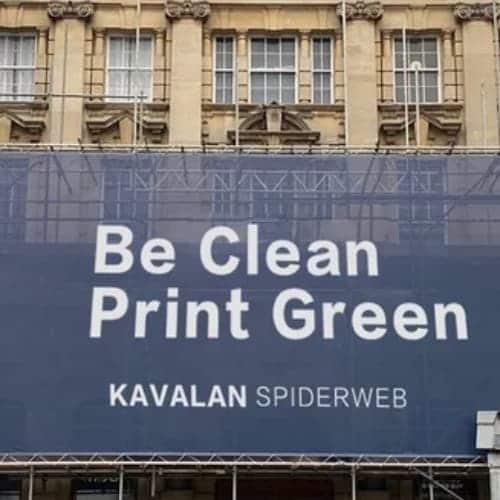
The cards help narrow the sample list. Images show representative UNISIGN mesh material or mesh applications; approve the exact model code and labelled sample before production.
M1212NP
- 360 GSM website listing
- 1000 × 1000D
- 12 × 12/sq.in
- With liner; without-liner option published
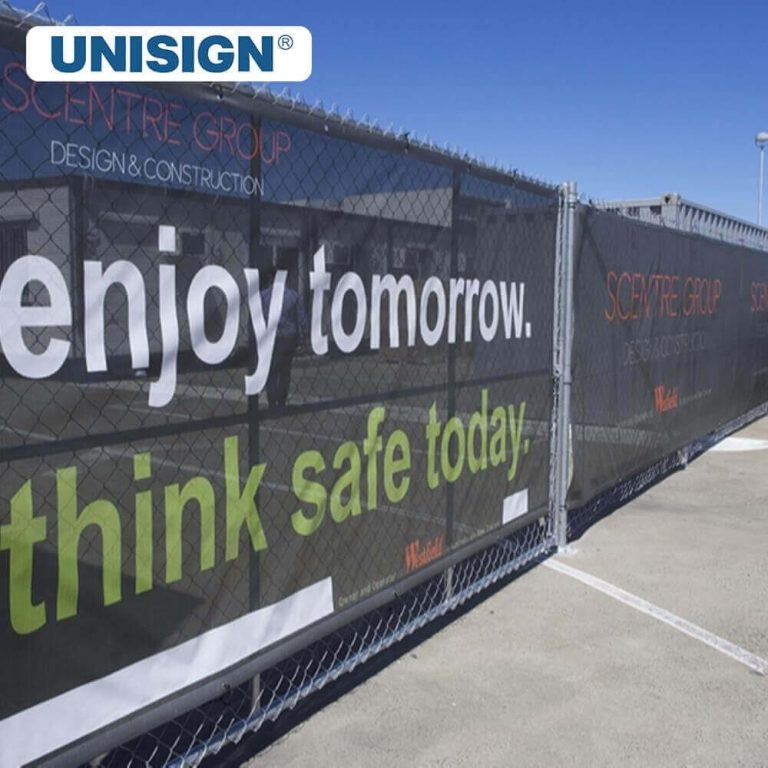
M99P
- 340 GSM website listing
- Current page says 1000 × 100D; verify TDS
- 9 × 9/sq.in
- With liner; without-liner option published
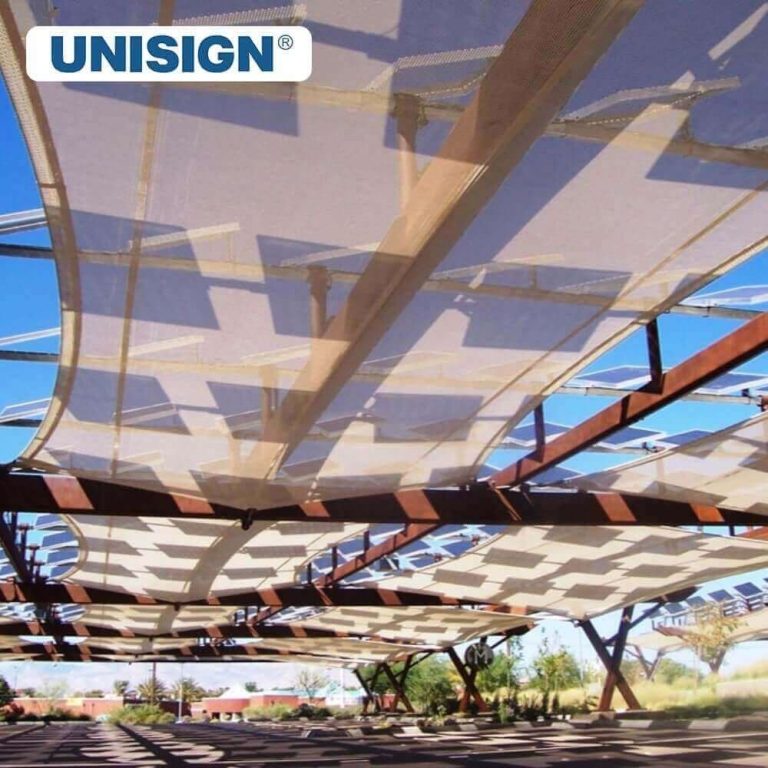
M1812P
- 340 GSM website listing
- 500 × 1000D
- 18 × 12/sq.in
- With liner; without-liner option published
M189P
- 340 GSM website listing
- 1000 × 1000D
- 18 × 9/sq.in
- Current page lists liner as optional
Published Roll Specifications and Buying Checks
| Field | M1212NP | M99P | M1812P | M189P |
|---|---|---|---|---|
| Construction | Coated mesh with liner | Coated mesh with liner | Coated mesh with liner | Coated mesh; liner optional |
| Yarn | 1000 × 1000D | 1000 × 100D as published; verify | 500 × 1000D | 1000 × 1000D |
| Density | 12 × 12/sq.in | 9 × 9/sq.in | 18 × 12/sq.in | 18 × 9/sq.in |
| Listed GSM | 360 | 340 | 340 | 340 |
| Standard length | 50 m; 25, 30, 75 and 100 m are also listed | |||
| Listed widths | 1–3.2 m and 5 m. Confirm that the exact width is supplied with the requested liner. | |||
| Listed inks | Solvent, eco-solvent, UV and Latex | |||
| Applications | Billboards, indoor/outdoor displays, building wraps, scaffolding covers, murals, exhibition graphics and hanging banners | |||
Values above reflect current UNISIGN public pages reviewed on September 16, 2026. Availability, tolerances, liner construction, fire rating and certification scope must be confirmed for the exact order.
Choose the Liner by Printer and Ink Route
| Print route | UNISIGN listing | Approve on the labelled sample |
|---|---|---|
| Solvent | Compatible | Ink load, drying, overspray, liner softening, feed and take-up |
| Eco-solvent | Compatible | Profile, drying time, scratch resistance, liner release and finishing |
| UV | Compatible | Head clearance, platen protection, curing, ink flexibility and fold test |
| Latex | Compatible | Approved preset, heat, flatness, shrinkage, blocking, take-up and clean liner removal |
Print, Dry and Remove the Liner in 7 Steps
- Check the labelMatch the roll code, liner option, width and current TDS.
- Confirm the print sideLoad the printable face in the direction shown by the roll label.
- Set the printerUse an approved mesh/banner preset and safe head clearance.
- Run a short stripCheck tracking, vacuum, overspray, curing and edge lift.
- Dry or cureFollow the tested settings before handling or rewinding.
- Peel the linerRemove it slowly and evenly only after the approved wait time.
- Finish and approveTest hem, weld, eyelet, tension and the real installation.
With Liner vs Without Liner
| Buying point | Mesh with liner | Mesh without liner |
|---|---|---|
| Overspray control | Backing catches ink through the holes | Printer needs an approved ink collector or mesh setup |
| Feed and vacuum | Continuous back can help support and tracking | Depends on the printer and open-mesh handling system |
| Heat check | Liner must remain flat and release cleanly | No liner heat behaviour, but mesh itself still needs testing |
| After printing | Dry/cure, then peel and dispose or recycle as applicable | No peel step |
| Roll and freight planning | Confirm mesh, liner and combined GSM | Confirm mesh-only GSM and packing |
| Best starting point | Unknown printer setup or machine needs backing | Printer manual clearly supports linerless mesh |
Common Mesh Banner Applications

Large billboards

Scaffolding wraps

Fence graphics
For construction fence projects, compare airflow, privacy, image visibility and finished-panel checks in our construction fence mesh banner material guide.
For façade-scale applications, use our building wrap mesh and scaffold graphics guide for panel, seam, print and project-data planning.
Material Features to Check on the Sample

Print quality

Open structure

Finished strength
Qualify a Backed Mesh Roll in 8 Checks
Choose a listed mesh SKU in the PVC banner sample library and request the mesh, liner and combined GSM fields with its TDS.
- Model and batchRecord SKU, lot, width and roll length.
- Three weight fieldsAsk for mesh-only, liner and combined GSM.
- Liner constructionConfirm material, release, heat limit and disposal route.
- Printer setupRecord machine, ink, RIP, preset, pass count and temperature.
- Feed testWatch flatness, tracking, edge lift, vacuum and take-up.
- Image testCheck overspray, colour, dry/cure, rub and fold performance.
- Peel testCheck removal force, residue, distortion and print damage.
- Finish testTry the real hem, weld, eyelets, tension and installation.
Send These 9 Details for a Useful Quote
- Printer: brand and model
- Ink: solvent, eco, UV or Latex
- Application: fence, scaffold, billboard or display
- Mesh: preferred yarn and density
- Liner: material or printer requirement
- Roll: width, length and core
- Finish: hem, weld and eyelets
- Quantity: sample, trial rolls and full order
- Delivery: country and required date
Mesh Banner With Liner FAQs
What is mesh banner with liner?
It is printable PVC-coated polyester mesh supplied with a temporary backing. The backing catches ink through the holes and can help support the roll during printing. It is removed after the approved drying or curing step.
Why does open mesh need a liner?
Ink can pass through the open areas. On printers without an approved mesh collector, a liner helps protect the platen or transport surface and gives vacuum or feed systems a more continuous back surface.
Can I print mesh without a liner?
Sometimes. Use linerless mesh only when the printer manufacturer supports it and the machine has the required ink-collection, feed and cleaning setup. Run a short test first.
Does the listed GSM include the liner?
The current UNISIGN public product pages show one GSM value but do not clearly separate mesh-only, liner and combined weights. Ask the current TDS or quotation to state all three fields. Do not guess.
What liner type does UNISIGN use?
The current public pages do not identify the liner material or liner GSM for these four SKUs. Confirm the exact liner construction, release and heat limit on the current TDS and labelled sample.
When should I remove the liner?
Remove it after the ink has dried or cured under the approved printer settings. Peel slowly and evenly, then check for residue, distortion or print damage before finishing.
Can Latex print on backed mesh?
UNISIGN lists Latex as compatible for the four models shown. Test the exact liner at the planned curing temperature, preset and pass count. Check flatness, shrinkage, blocking and clean release.
Which UNISIGN backed mesh models are available?
The current site lists M1212NP, M99P, M1812P and M189P as lined or liner-optional mesh paths. They use different yarn and mesh densities. Match the model to the printer and final job.
What roll widths are listed?
The product pages list 1–3.2 m and 5 m, with a 50 m standard length and other lengths also listed. Confirm that the exact width is currently supplied with the requested liner.
Does mesh banner eliminate wind risk?
No. Mesh can reduce wind load compared with a solid banner, but it does not remove structural risk. The finished size, open area, local wind, fixing system and supporting structure still need professional approval.
Data Basis
- UNISIGN PVC mesh banner category: current lined-mesh range and application context.
- M1212NP product page: published yarn, density, weight, widths, lengths and inks.
- M99P product page: published product fields and liner option.
- M1812P product page: published product fields and liner option.
- M189P product page: published product fields and liner option.
Reviewed: September 16, 2026. Public sources do not currently separate mesh-only GSM, liner GSM and combined GSM. Confirm these fields, availability, tolerance, MOQ and certification scope on the current TDS and quotation.
Request a Labelled Mesh Banner With Liner Sample
Send your printer, ink, width, mesh count, liner requirement, application, quantity and destination. Ask for the current TDS so the sample and quotation use the same model.
Page type: conditional product-selection Page. It supports the broad mesh category and exact product pages without replacing them.